Print Name and Address Labels - EZ Address Book Software
| Home | Features and FAQ | Order and Download | Testimonials | FREE Trial | Watch Demos |
|
EZ Home and Office Address Book
v10.0
$29.95
Home > Features > Print Name and Address Labels
|


 EZ makes it simple to print name and address labels for Christmas, holidays, special occasions, bills, or anything else.
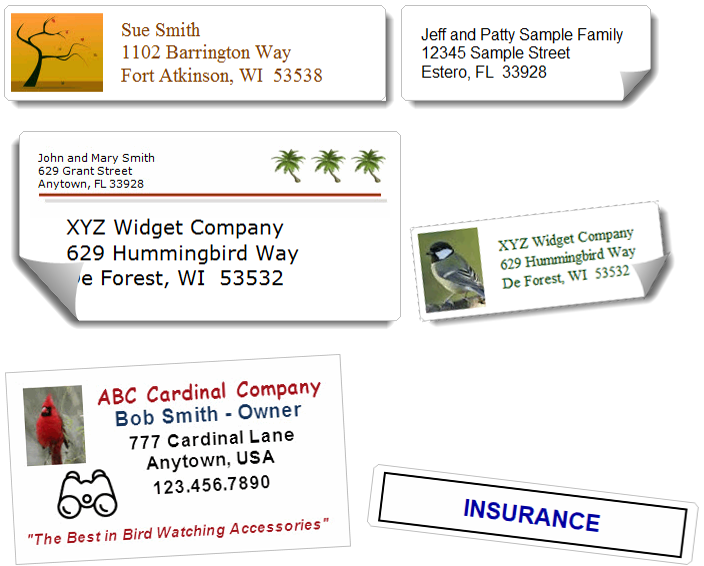
Clip art and pictures can be added to any label.
A return address can be added to some of the larger labels and to envelopes. Labels can be sorted by name or zip/postal.
Avery Labels and envelopes to display and print:
EZ makes it simple to print name and address labels for Christmas, holidays, special occasions, bills, or anything else.
Clip art and pictures can be added to any label.
A return address can be added to some of the larger labels and to envelopes. Labels can be sorted by name or zip/postal.
Avery Labels and envelopes to display and print: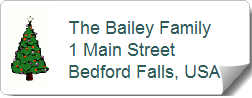
Print Name and Address Labels with Clip Art and Pictures
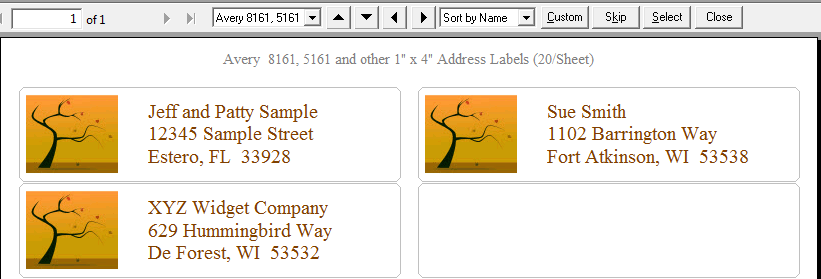
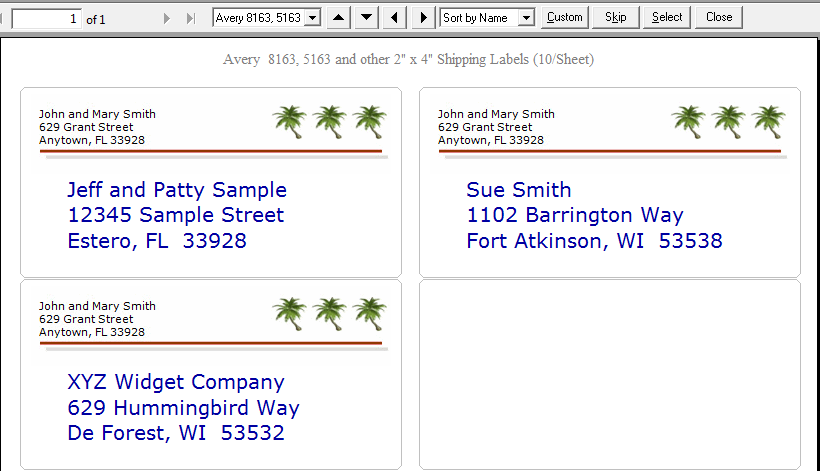
It's easy to print name and address labels like the ones below. Sample graphics are included with EZ!
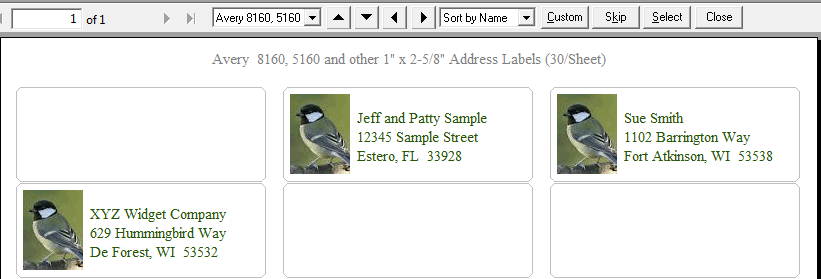
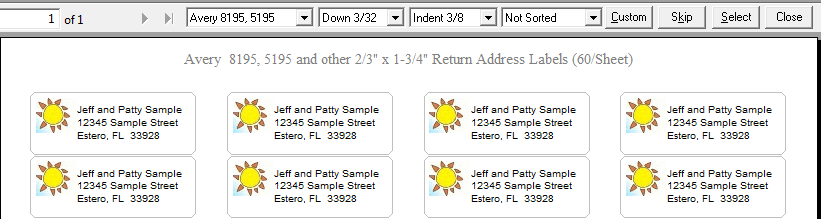
Labels Print Preview
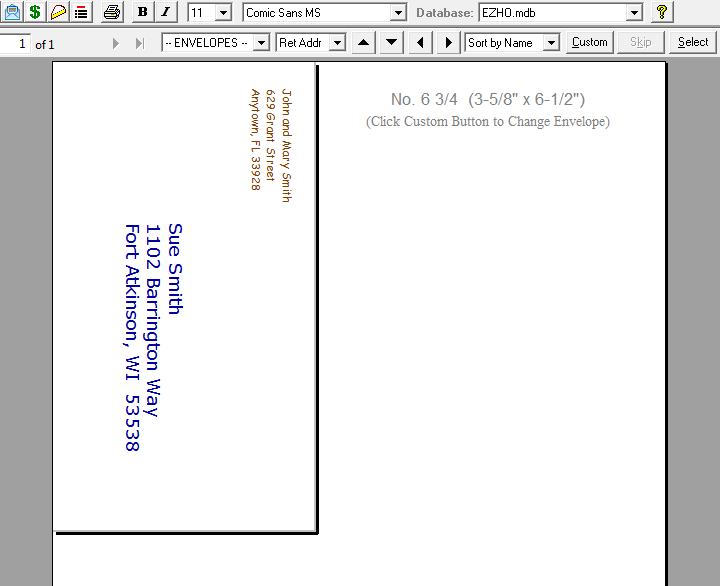
Print on Any Size Envelope Including Custom Sizes
The name and address and return address (if displayed) can be adjusted up/down/left/right. To format a return address, select 'Ret Addr' from the drop-down list at the top of the screen and then use the arrow buttons. You can also change the Font, Font Size, and use the Bold and Italic buttons. Labels and envelopes can be sorted by Name or Zip/Postal. Initially they are sorted by name if coming from the EZ Address Book Screen and unsorted if coming from the Select Names for Labels and Envelopes Screen. Click Custom to change the color of the text, add a graphic (clip art or picture) to labels, select a return address to display (8163/5163 and 8164/5164 labels, envelopes), or add a phone number to labels. You can also change the color for the return address. Click 'Skip' to skip labels at the beginning of the first page of labels. If the first two labels on a sheet have already been used, you would skip 2 for printing. Custom size envelopes don't work on all printers especially those that load letters in the middle of the paper tray.
You can format the text with the following toolbar options:
Bold
Italic
Font Size
Font All selections will be saved for each label and envelope.
You can change the zoom percentage by selecting from the drop-down listbox in the upper left-hand corner (under the red EZ Button). Select 'Options' from the Tools Menu to change the default zoom. All reports use the same default zoom. Clickon the toolbar, use Ctrl+P, or select 'Print' from the File Menu to print labels or envelopes.
Name and Address (All Labels and Envelopes)
Select the color for the text.
Return Address (8163/5163 and 8164/5164 Labels, Envelopes)
Select a return address and text color. Check 'Show Return Address' to display it on the label or envelope. You can have a return address and a picture or clip art on labels.
Graphic (Clip Art/Picture) (All Labels)
Select a graphic (JPG, JPEG, GIF, BMP) from anywhere on your computer. The graphic is automatically copied to the EZ Graphics Directory if not already there. Pixel dimensions are displayed for each label. If the graphic is larger than the dimensions it will be resized. If the height is smaller, the graphic will be aligned to the top. If the width is smaller select whether you want the graphic aligned left, center, or right. Sample graphics are included with EZ and you are welcome to use them.
Phone Number (All Labels)
Check 'Show Phone Number' to include a phone number on the label below the address. For 8167/5167 and 8195/5195 labels, the phone number will only display if there are less than 4 address lines. The Phone Number, Cell Phone, or Work Phone will display depending on the priority set in Options.
All selections will be saved for each label and envelope.
Easy to Use Name and Address Label Software for Home and Office
ElwoodSoftware.com has a Shopper Approved Rating of 4.9 out of 5 based on 718 Ratings and Reviews
Copyright © 2023 Elwood Software.
All Rights Reserved.
Your Privacy is Always Protected.
Elwood Software, 21539 Brixham Run Loop, Estero, FL 33928
Support@ElwoodSoftware.com