Email Lists - EZ Address Book Software
| Home | Features and FAQ | Order and Download | FREE Trial | Watch Demos |
|
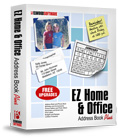
EZ Home and Office Address Book
v10.0
$29.95
|

Email Lists
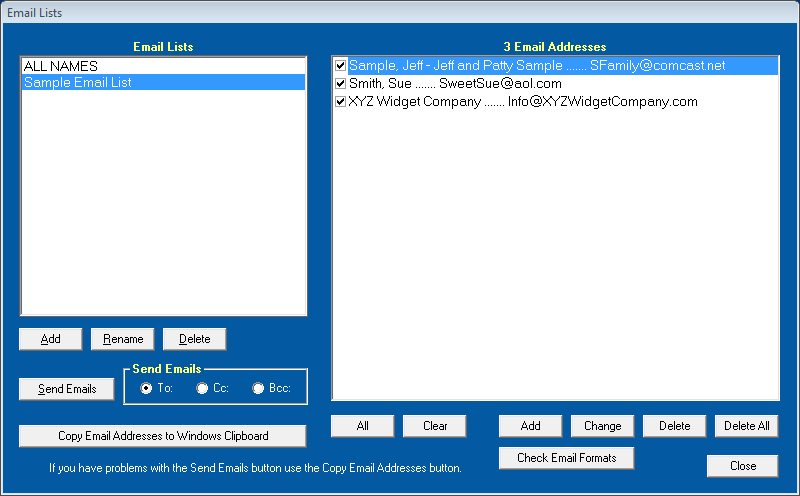
Clickon the toolbar or select 'Email Lists' from the Features Menu to create and use email lists. The lists are comma delimited files that are stored in "c:\Elwood Software\EZ Home and Office\Email Lists\". Click 'Add' on the left side of the screen to add an 'Email List' and then click Add on the right side of the screen to add email addresses to the list. Email addresses can be added from the EZ Address Book or manually entered. Duplicate email addresses are automatically removed. Click 'Change' to change the selected email address. Changing an email address does not change the email address on your database. Changes on the EZ Address Book Screen after a list is created will not affect the list. If the email address is in the currently selected database the name will be displayed.
Click 'Check Email Formats' to perform basic email format checking on the selected Email List. For example, looking for invalid characters like spaces or the absence of "@". You can turn off email format checking in Options.
Copyright © 2026 Elwood Software. All Rights Reserved. Your Privacy is Always Protected.
Support@ElwoodSoftware.com